
Use this page for a quick fit check, key watch-outs, and the most useful next clicks.
Smallpdf is the obvious commercial PDF benchmark hbibi was still missing. It gives readers a familiar baseline for editing, signing, compression, OCR, and light AI document work before they decide whether they want a more private browser-native option like ModernPDF or a broader all-purpose utility stack.
Free plan with limited downloads and AI use, plus Pro, Team, and Business tiers; 7-day free trial available
Web, iPhone, Android
People who want a recognizable PDF toolkit for everyday compression, conversion, editing, signing, redaction…
You care more about a local-first privacy story, zero-upload trust, or deeper specialist document control…
Best for
People who want a recognizable PDF toolkit for everyday compression, conversion, editing, signing, redaction, and OCR without dropping into heavyweight desktop software.
Skip if
You care more about a local-first privacy story, zero-upload trust, or deeper specialist document control than a mainstream freemium PDF platform can offer.
Where you can use it
Platform coverage matters because this page should help you find software you can actually open and use right away.
Why it stands out
- Best fit when you want a familiar PDF brand that covers the core jobs fast, compress, convert, edit, sign, redact, and OCR, without shopping five different tools.
- Useful as the mainstream benchmark in hbibi's PDF lane because readers already recognize the name and can compare it directly against privacy-first and browser-native alternatives.
- Worth judging on whether the free-plan limits, AI helpers, and mobile support feel good enough for real recurring document work, not just one-off conversions.
Helpful next reads
Smallpdf
A mainstream PDF platform for compressing, converting, editing, signing, redacting, OCRing, and using AI document helpers across web and mobile.
What to expect
Platforms: Web, iPhone, Android
Official site: https://smallpdf.com/
This page is here to help you decide quickly, then point you toward the official product or the next most useful hbibi page.
More picks in this category
These are the next useful product pages to open if this first pick is close, but not quite right.
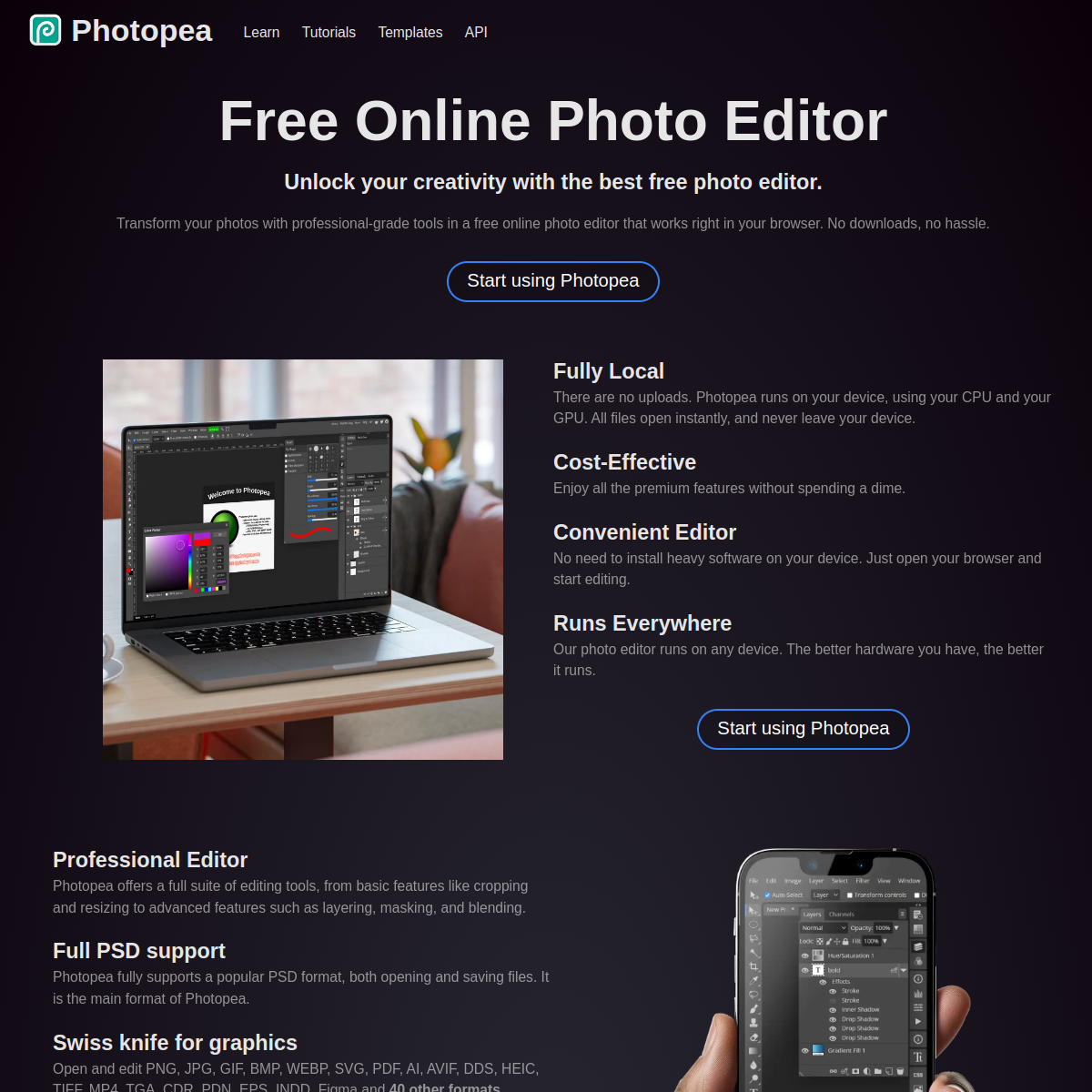
Photopea
A browser-based image editor that keeps showing up in useful-web coverage because it solves real design problems without…
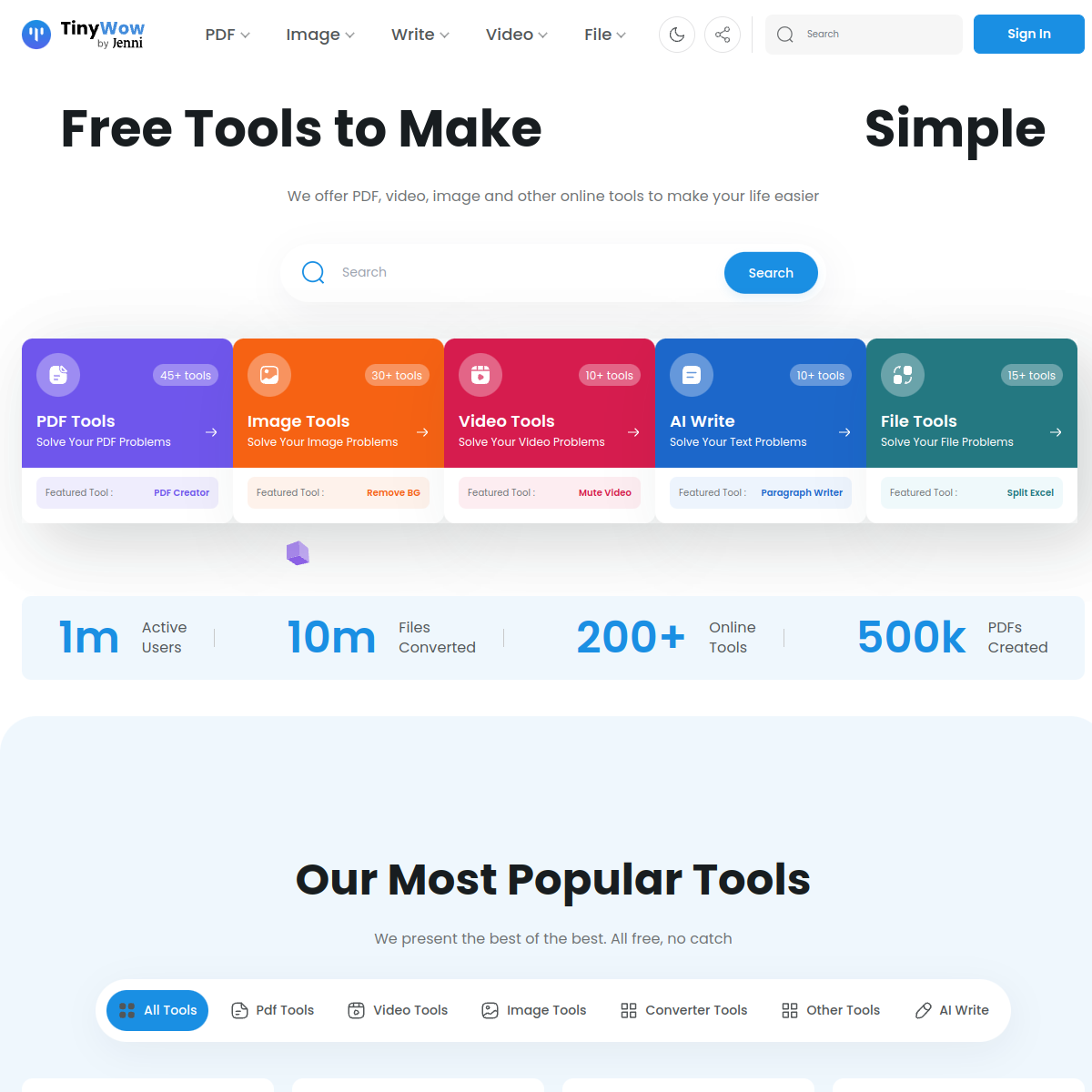
TinyWow
A utility-heavy website with lots of small browser tools that fits hbibi's low-friction value lane surprisingly well.

Squoosh
A browser image compression tool that proves how much value a single clean job can create when the interface is obvious…