
Most people do not want a PDF platform. They want the document problem gone, whether that means editing text, converting files, pulling text out of scans, redacting sensitive details, or getting a quick summary.
LocalConvert is the strongest pick for privacy-first conversion and broader browser utility work.
ZeroUpload is useful when lower upload anxiety and cleaner browser file handling matter most.
Heavier mainstream PDF suites still matter when the editing workload is constant and deeper.
Why this page matters
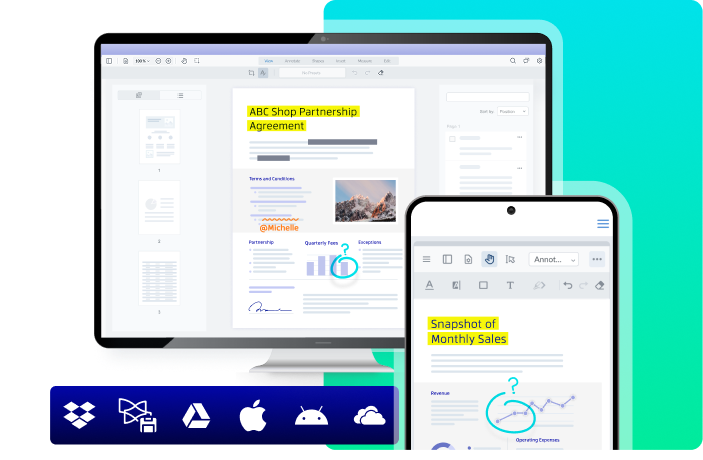
The best PDF tool depends on the actual job. Some tools are better for quick editing and conversion. Some are better for privacy-first browser work. Some matter because they make AI document help feel practical instead of gimmicky sludge. If you want a stronger all-around editor and signing workflow instead of a lightweight converter stack, [Xodo](/web-tools/xodo/) is now the cleanest next click in hbibi's live PDF lane.
" The fancy PDF suite should have to earn its place, not assume it. "
Where the useful signal is
A useful PDF tool should remove friction from one of the jobs people repeat constantly, like fast editing, OCR for ugly scans, document cleanup, redaction, or quick file conversion. Good tools do not force the user to fight the interface just to perform a basic task. When the real problem is contracts and signatures rather than just editing, [DocuSign](/apps/docusign/) is a better fit than pretending every document job starts and ends inside the same PDF utility.
Best next click
Privacy matters more here than people admit. A lot of document work includes invoices, forms, contracts, IDs, or internal files that should not be tossed into a random upload box without thought. That makes privacy-first or local-processing browser tools a real buying criterion.
Bottom line
The best PDF tools online should help with editing, OCR, redaction, conversion, and AI summaries without making document work more annoying. Here are the strongest picks worth trying.